

Every directory features a Last Updated indicator displaying the date of the most recent change detected in that category.
Example
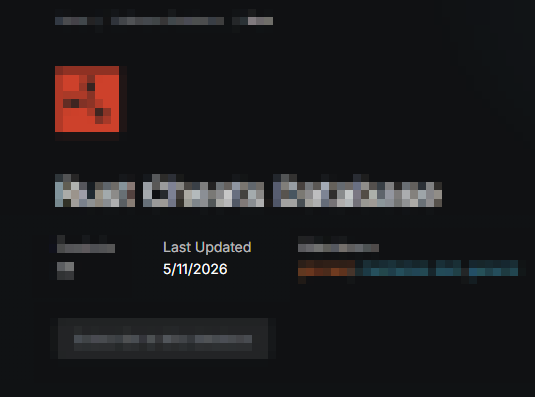
This includes:
New products being added
Updates to product details and parameters
Every directory features a Last Updated indicator displaying the date of the most recent change detected in that category.
Example
This includes:
New products being added
Updates to product details and parameters
We have placed cookies on your device to help make this website better. You can adjust your cookie settings, otherwise we'll assume you're okay to continue.